Tag: sitecore

NOW Digital welcomes IVECO New Zealand

The NOW Digital team is proud to be expanding its engagement with IVECO, to include IVECO New Zealand to our Automotive Industry client roster.  As part of a continued global rollout of Sitecore DXP, NOW Digital has been selected to implement and provide ongoing support and optimisation to IVECO’s New Zealand’s websites.

IVECO is committed to developing high quality commercial vehicles that provide efficiency and productivity for their owners. From light to heavy-duty, and covering both on and off-road work, their range is one of the broadest available and includes Daily, Eurocargo, ACCO, S-WAY, T-WAY, and Astra – and are all built to handle New Zealand’s tough operating conditions and applications.

Sitecore launches Sitecore Stream, Industry’s first Intelligent Digital Experience Platform

Sitecore, a prominent player in digital experience software, has unveiled Sitecore Stream during its Sitecore Symposium, the annual conference for customers and partners. This new offering embodies significant innovation and aligns with Sitecore’s goal of creating an Intelligent Digital Experience Platform (DXP) that meets the current challenges and opportunities faced by enterprise marketing teams. Organisations are already utilising the features of Sitecore Stream within Sitecore’s composable DXP products to enhance their digital experience delivery.

Sitecore Stream utilises generative AI to streamline marketing workflows and boost productivity through orchestration, content intelligence, and automated support. It is built on Sitecore’s composable product architecture, ensuring seamless integration with a brand’s existing marketing technology stack while incorporating AI safeguards to maintain brand compliance and protect data privacy.

Key features of Sitecore Stream include:

  • Brand-aware AI: This functionality ensures that marketers’ actions, recommendations, and experiences align with the organisation’s brand identity, values, and guidelines.
  • AI-enhanced workflows: These workflows automate repetitive tasks, speeding up execution and enhancing collaboration. Tasks can include content creation, webpage development, or A/B testing calls to action, allowing marketers to maintain a productive workflow.
  • Generative copilots: These tools assist in the creation and optimisation of brand materials, briefs, content, and experiences, ensuring that marketers adhere to their brand guidelines throughout their tasks.

In summary, Sitecore Stream represents a transformative step towards an Intelligent DXP, integrating advanced AI capabilities to streamline marketing workflows and improve productivity across various brand touchpoints.

More details available at Sitecore Stream Press Release

Sitecore a Content Marketing Platform (CMP) leader – Gartner

Extract – Sitecore, a Leader in this Magic Quadrant, taps user group insights to develop capabilities, including its Content Hub, metadata to drive content reuse, and governance and distribution. Its modular content emphasis supports large enterprises seeking personalised experiences. 

Enhancements include campaign tracking, asset distribution visibility, top-performing content analysis, and a 3D and multidimensional image content hub. Its roadmap emphasises AI search-based improvements in tagging, providence and intent-based search tools.

Read the full report: Gartner Report Magic Quadrant for Content Marketing Platforms

NOW Digital welcomes IVECO Australia

The NOW Digital team is delighted to welcome IVECO to our Automotive Industry client roster.  As part of a global rollout of Sitecore DXP, NOW Digital has been selected to provide ongoing Support & Optimisation to IVECO’s Australian websites.

IVECO is committed to developing high quality commercial vehicles that provide efficiency and productivity for their owners. From light to heavy-duty, and covering both on and off-road work, our range is one of the broadest available and includes Daily, Eurocargo, ACCO, S-WAY, T-WAY, and Astra – and are all built to handle Australia’s tough operating conditions and applications.

Case Study Release – City of Darebin

NOW Digital welcomes AEMO

The NOW Digital team is delighted to welcome the Australian Energy Market Operator (AEMO) to our energy sector client roster.

As the Australian Energy Market Operator (AEMO), AEMO is shaping a better energy future for all Australians.  AEMO’s role is to manage the electricity and gas systems and markets across Australia, helping to ensure Australians have access to affordable, secure and reliable energy.

In short, AEMO are helping keep Australia’s lights on – and its water hot – now, and in the future.

NOW Digital welcomes Equity Trustees

The NOW Digital team is delighted to welcome Equity Trustees to our burgeoning Financial Services Industry client roster.

Equity Trustees offers a diverse range of financial and fiduciary services, we help our private and corporate clients grow, manage and protect their wealth now and for generations to come.  Established in 1888, Equity Trustees was established as an independent Trustee and Executor company and has become one of Australia’s largest specialist trustee companies.


NOW Digital welcomes AHPRA

NOW Digital is delighted to welcome ARB International to our client roster.

The Australian Health Practitioner Regulation Agency (Ahpra) works with the 15 National Boards to help protect the public by regulating Australia’s registered health practitioners.  Together AHPRA and NOW Digital are developing a strategy to design and deliver the next phase of digital communication and seamless user experience to AHPRA’s direct health customers and the broader community.

NOW Digital named an Honourable Mention in the Most Intelligent Content Optimisation category for YMCA Victoria

NOW Digital today announced it has been named a Sitecore Experience Award (SEA) Honourable Mention in the Most Intelligent Content Optimisation category for its work with customer YMCA Victoria. The agency was recognised for working hand in hand with YMCA to conceptualise and deliver a user-centric digital offering, consolidating dozens of digital properties onto a single engaging platform.

The Sitecore Experience Awards 2020 recognize brands that have built truly customer-centric digital experiences with Sitecore® technology. The SEAs are awarded to Sitecore customers and their partners whose entries clearly demonstrate that their Sitecore solution delivers an outstanding experience for all users from partner developers and internal customer marketers to business and IT users and end-user customers.

“With digital emerging as the lifeblood for many businesses this year, intelligent content optimization has been a key driver for stronger consumer engagement, helping to achieve business and organizational goals in today’s challenging market,” said Paige O’Neill, CMO, Sitecore. “The Sitecore Experience Awards celebrate some of the most innovative implementations that are pushing the boundaries of exceptional customer experiences from our customers and partners, resulting in faster, more effective digital experiences that keep audiences more engaged and connected than ever, while maximizing the use of content across an organization’s channels and regions.”

SEA 2020 Honorable Mentions were selected as they demonstrated to the judges that they used Sitecore solutions to make notable impact in terms of experience or content management.

Through the rigorous selection process, each entry was judged by a panel of Sitecore leadership from that entry’s region. There are five regions that evaluated and approved all regional selections based on specific selection and scoring criteria.


About NOW Digital
NOW Digital is an award-winning digital agency providing strategic thought leadership and UX-led digital transformation services. We are a diverse team of highly skilled digital personnel that bring a wealth of practical knowledge into the digital agency space. We challenge convention and help your organisation embrace new technology through innovative design – with a relentless focus on proven user experience and quality output.


About Sitecore
Sitecore delivers a digital experience platform that empowers the world’s smartest brands to build lifelong relationships with their customers. A highly decorated industry leader, Sitecore is the only company bringing together content, commerce, and data into one connected platform that delivers millions of digital experiences every day. Leading companies including American Express, ASOS, Carnival Cruise Lines, Kimberly-Clark, L’Oréal, and Volvo Cars rely on Sitecore to provide more engaging, personalized experiences for their customers. Learn more at Sitecore.com.

Case Study Release – Bank First refinance

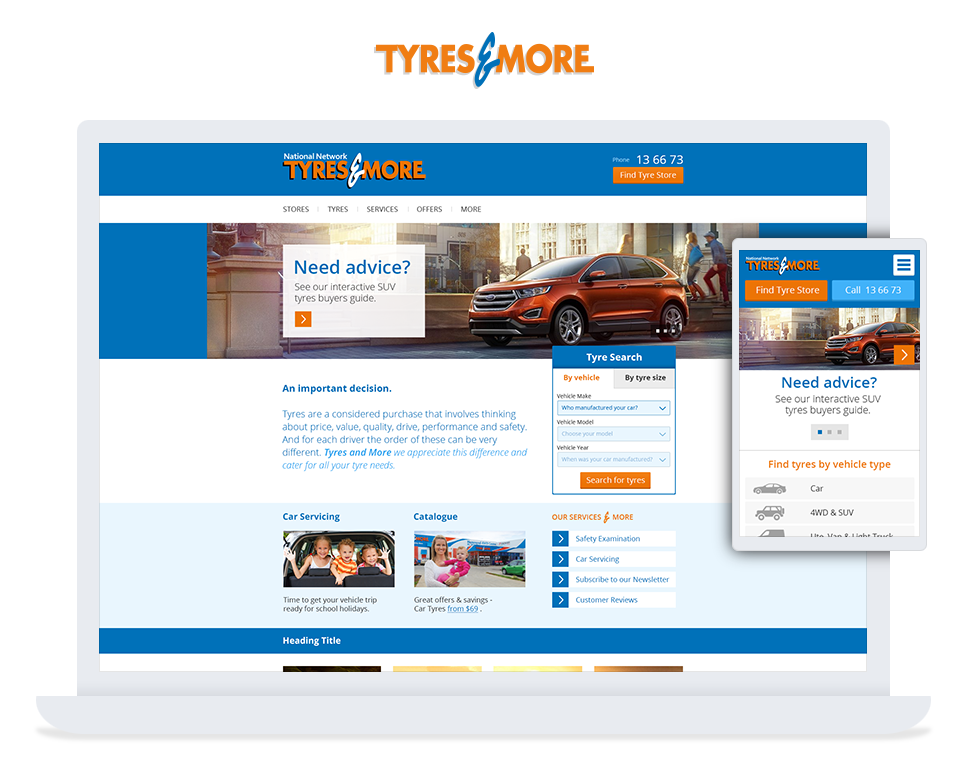
Case Study Release – Tyres & More (Yokohama)

Yokohama -Tyres & More - NOW Digital

Yokohama is globally recognised, leading maker of car tyres, 4WD tyres, truck tyres, earthmover tyres and industrial tyres. It has warehouses in every state of
Australia, with their award-winning range sold in over 500 tyre dealerships throughout the country.

NOW Digital were given the task to redesign and redevelop the Tyres and More website (Yokohama’s Australia-wide chain of retail and services outlets). The
plan included a ground up rebuild, integration with several legacy and new internal systems, including external tyre data APIs, warehouse order
fulfillment and the staged launch of full Ecommerce functionality.

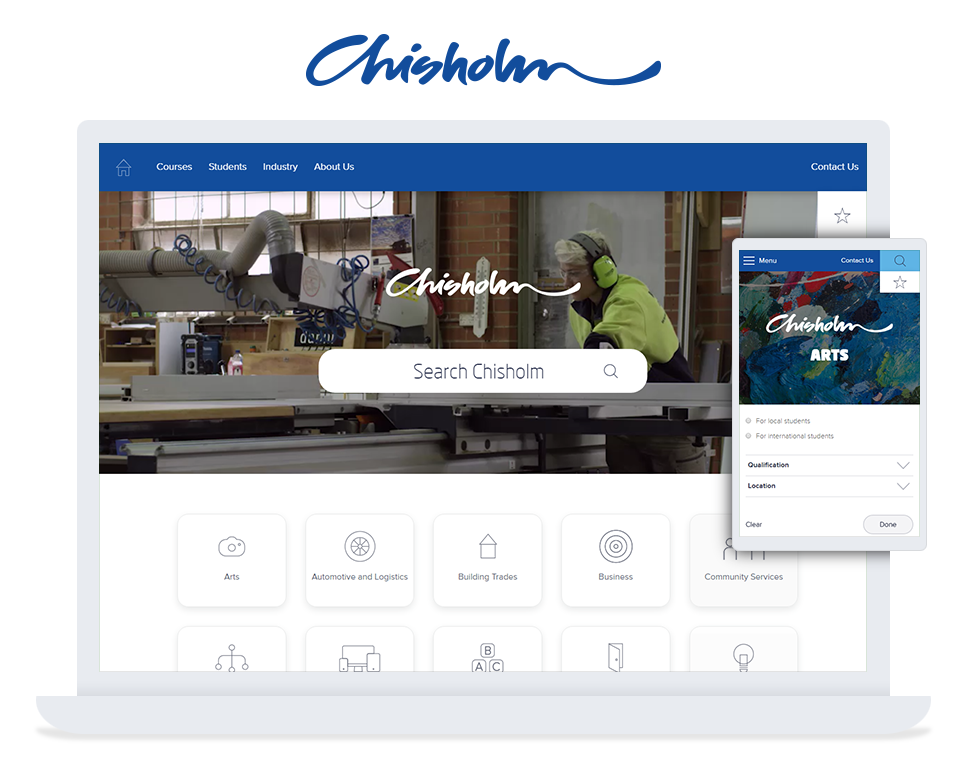
Case Study Release – Chisholm TAFE 

Chisholm TAFE is one of Victoria’s leading public vocational education and training providers with over 40,000 students from 47 countries. It offers more than 250 certificate, diploma, bachelor and graduate certificate courses, either online or at locations predominantly throughout South East Melbourne, Victoria.


Recently Chisholm TAFE selected NOW Digital to re-design and re-develop their website on the Sitecore Experience Platform,  with a mandate to provide a more flexible and accessible user experience, with the aim of ‘empowering the end-user’.


Full case stady – https://nowdigital.com.au/work/chisholm-tafe/

Dairy Australia – Deb Poole campaign

New campaign launched by Dairy Australia with NOW’s assistance.. Deb Poole – Waterslide Tester! – http://debpoole.legendairy.com.au

Kicking off the campaign is hardworking Deb, who takes her rigorous training and commitment to the ‘job’ seriously, training in her lounge room, backyard and even bathroom.  Together with her supportive trainer, mentor and nutrition-adviser husband Gary, viewers will find out what it takes to excel in the waterslide testing field, and the integral role milk plays in rehydration and repairing her tired muscles after a tough day’s work.  

Isabel MacNeill, Dairy Australia’s Group Manager for Industry Promotion, admitted the new Legendairy campaign is unlike any other for the industry body.

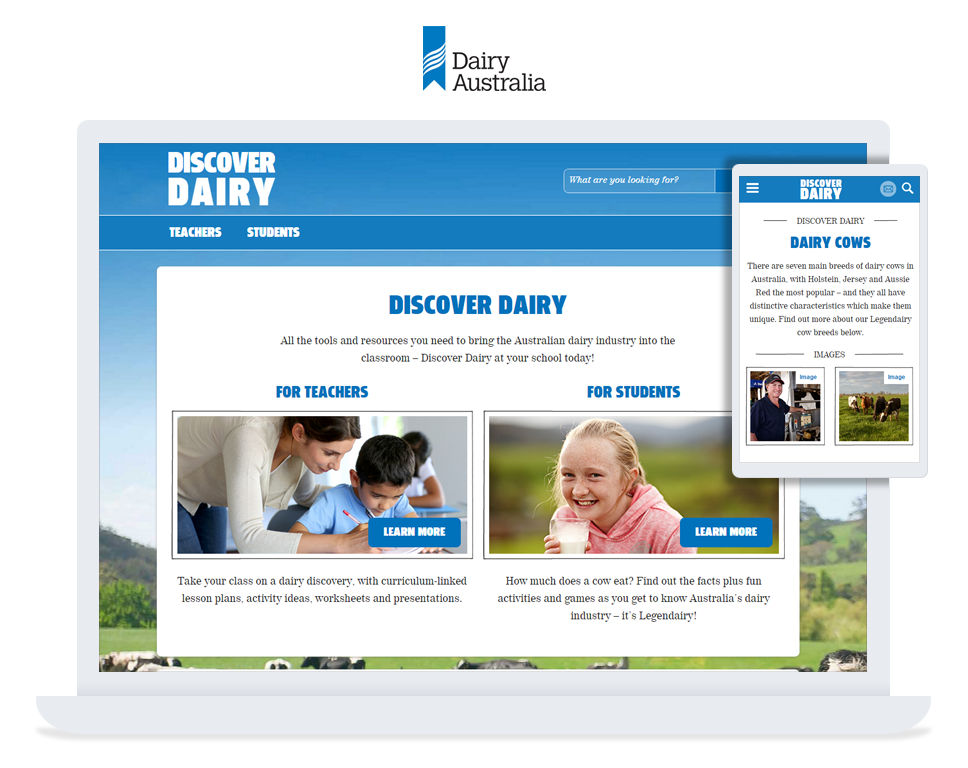
Case Study Release – Dairy Australia

Dairy Australia appointed NOW Digital lead digital supplier in 2014 to takeover managed service provision of their multiple Sitecore based environments. Included in NOW’s responsibility was an audit of a previous web development within the environment as well as the development of a ‘code of practice’ for all future work across the digital supplier panel and ongoing implementation of best practice retrospectively and on all new project work.

Lead agency – A key requirement of Dairy Australia was to find a lead agency with extensive Sitecore experience that would work in an honest and open relationship providing guidance on not simply design & development, but across the digital spectrum including internal training, and
marketing strategy.

Case Study – http://nowdigital.com.au/work/dairy-australia/

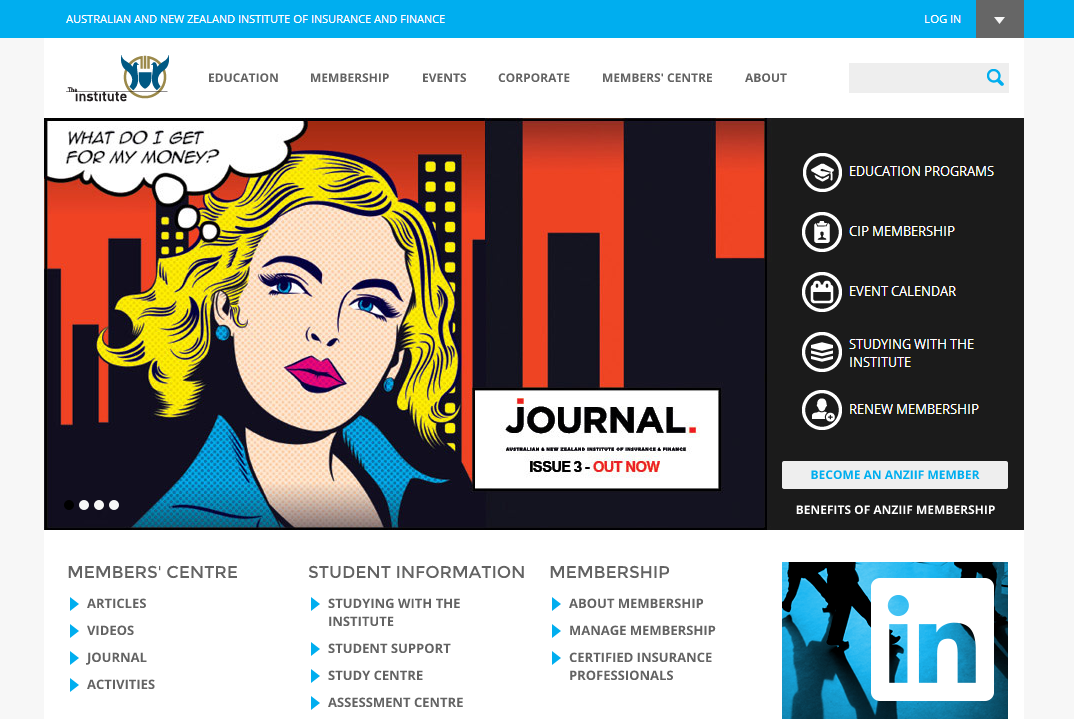
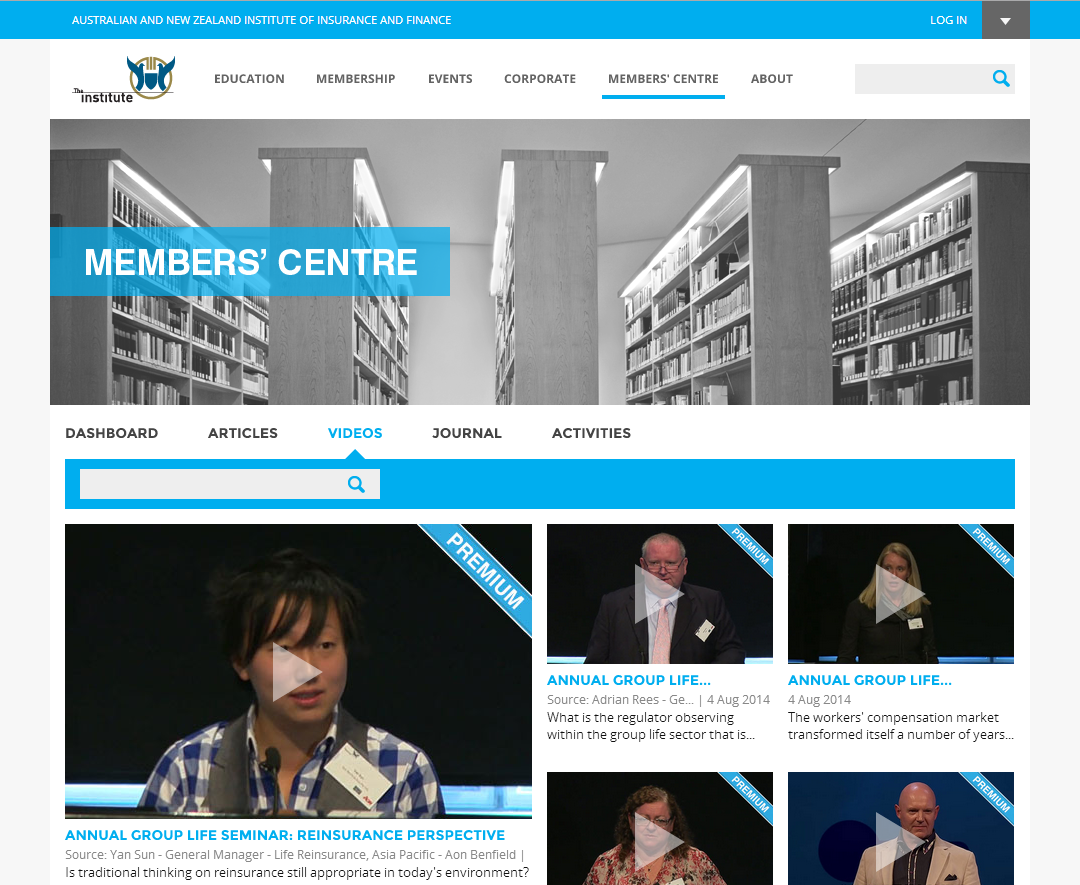
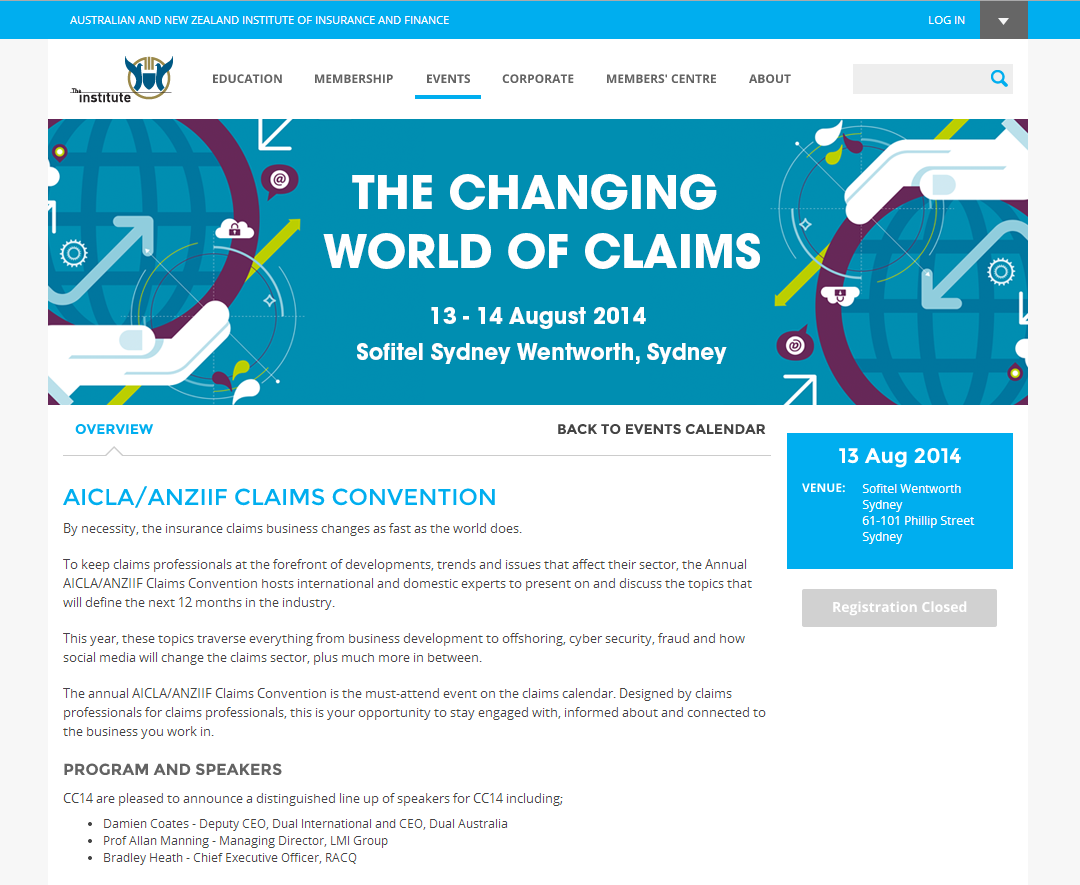
Australia New Zealand Institute of Insurance & Finance

ANZIIF – Homepage

ANZIIF – Members Centre

ANZIIF – Event Page

Established in 1884, ANZIIF is a professional association and education provider for the insurance and financial services industry in the Asia-Pacific region.  The project focused
of on the full redevelopment of ANZIIF’s primary website, which is a central point for all communications, member acquisitions, member education & certification.

A key focus of the redevelopment was to allow seamless integration with several third-party systems already in place at ANZIIF.

Integrations for the project included:

  • Ecommerce: Integrating Payment Gateway & Product web services
  • LMS:  Integrating with Janison Learning Management System
  • CRM:  Integrating ANZIIF’s CRM for member details, lead tracking, member CIP and transactions.

Case study – http://nowdigital.com.au/work/anziif-the-institute/

Case Study Release – Australian National Maritime Museum

The Australian National Maritime Museum enlisted NOW Digital to develop their first full scale Sitecore CMS based website on the Microsoft Azure platform, tightly integrating with Microsoft Dynamics CRM functionality.

A new major integration project currently underway involves bringing the 50,000+ artefacts the museum has in its overall collection
from their backend asset management system, allowing the public access to the full collection 24/7.

Microsoft Azure platform.

Utilising the Microsoft Azure platform offered NOW Digital a secure and flexible development, deployment, and scaling option for any sized web application for Australian National Maritime Museum’s current and
future requirements.

Sitecore Azure with NewRelic Application Monitoring

NewRelic (http://newrelic.com) is a great performance monitoring tool. We use it for nearly all of our clients and it provides a wealth of information on things like page speed, server responsiveness, .NET errors, database connectivity, and more.

The only problem from our perspective is that it requires the installation of software on the server (the “server agent” and monitoring tools).

In Azure, this can be a problem, because every time Azure instances disappear they are reimaged from scratch based on the most recent “package” that was deployed to them. This can and does happen, and there is no warning as to when this might occur. You’ll simply arrive one morning to find your monitoring is gone.

If this deployment package that you sent to the server didn’t include the NewRelic installation, then you can kiss your monitoring goodbye. You’ll have to reinstall it manually.

Installing NewRelic in Visual Studio

NewRelic’s default installation instructions for Azure can be found here: https://docs.newrelic.com/docs/agents/net-agent/azure-installation/azure-cloud-services

Effectively, the crux of this is:

  1. Install Nuget package for NewRelic in your VS.NET solution.
  2. Enter licence key and application name.
  3. Deploy to Azure using VS.NET.

This is great if you’re using Visual Studio.NET to deploy directly to Azure.

It is also worth noting that in order to do this, you need the Azure SDK on your machine and you need to be using an Azure .NET “Cloud Service Project”, not a regular web application project.

Unfortunately when using Sitecore’s Azure module, this process is abstracted through the module itself. The module handles deployment – you don’t deploy anything at all through Visual Studio. What you do instead is create deployment packages and deploy your code to a particular deployment (on-premises) server, then kick off an “Upgrade Files” from there to push your changes up to Azure.

In fact, if you run the command as per the NewRelic instructions and install the Nuget package, it will download the files correctly into the “packages” folder on your development environment, but will then spit out errors that look like this:

***Updating the Windows Azure ServiceDefinition.csdef with the newrelic.cmd Startup task***
Unable to find the ServiceDefinition.csdef file in your solution, please make sure your solution contains an Azure deployment project and try again.
***Updating the Windows Azure ServiceConfiguration.*.cscfg files with the license key***
Unable to find any ServiceConfiguration.cscfg files in your solution, please make sure your solution contains an Azure deployment project and try again.
***Updating the projects .config file with the NewRelic.AppName***

These errors are occurring because I’m using a regular web application project in Visual Studio, not an Azure SDK “Cloud Service Project” instead.

Picking Up The Slack

NewRelic got us part of the way there. It provided us, as part of the package, with a batch file (newrelic.cmd) and a couple of installer files.

With a bit of digging (thanks to: https://discuss.newrelic.com/t/nuget-doesnt-work-with-cloud-service-project-in-visual-studio-2013/5550/13), I was able to find the snippets of code that NewRelic actually uses to run said startup script. These snippets failed to install during the Nuget package install (see above) because, as I said, I’m using a regular web application and not an Azure SDK-style project.

For those of you who’ve delved a bit deeper into Sitecore Azure module, you’ll know that it generates the ServiceDefinition.csdef and ServiceConfiguration.cscfg files automatically from fields within Sitecore. You’ll find these fields on the relevant “Production” or “Staging” nodes in your content tree on the system -> modules -> Azure -> Environment -> Region -> Farm -> Role -> Deployment node.

For example, if you want to modify the fields for the Australia East production deployment, you’d look for the node:

… Australia East -> Delivery01 -> Role01 -> Production

Step 1 – The Installer & Script

The first step is to get Sitecore to include the batch file (newrelic.cmd) and the two installers in the upload process. This will include them as part of the website itself, so that you can then kick off an install once the system has processed the deployment package itself.

In order to do this, first, copy the files from the packages\NewRelicWindowsAzure.5.4.16.0\content folder on your machine (or the location where your Nuget packages get installed). In my case, these files are:

  • newrelic.cmd
  • NewRelicAgent_x64_5.4.16.0.msi
  • NewRelicServerMonitor_x64_3.3.3.0.msi

Place these files on the deployment

(on-premises)

server in the folder: %wwwroot%\App_Data\AzureOverrideFiles\bin. This will ensure they are uploaded to the bin folder on any new Azure instance along with your actual website files.

Step 2 – Modify the Config

You’d then modify the two fields to incorporate snippets.

Service Definition

Note that you should include the NewRelic task after the default Sitecore startup task. These snippets tell Azure:

  • to run the newrelic.cmd batch file, which installs the two installers that are included with your deployment; and,
  • to look for a configuration setting in the ServiceConfiguration.cscfg file for the NewRelic license key
<?xml version="1.0" encoding="utf-16"?>
<ServiceDefinition ... >
  <WebRole name="SitecoreWebRole" enableNativeCodeExecution="false" vmsize="ExtraLarge">
    ...
    <Startup>
      ...
      <Task commandLine="newrelic.cmd" executionContext="elevated" taskType="simple">
        <Environment>
          <Variable name="EMULATED">
            <RoleInstanceValue xpath="/RoleEnvironment/Deployment/@emulated" />
          </Variable>
          <Variable name="IsWorkerRole" value="false" />
          <Variable name="LICENSE_KEY">
            <RoleInstanceValue xpath="/RoleEnvironment/CurrentInstance/ConfigurationSettings/ConfigurationSetting[@name='NewRelic.LicenseKey']/@value" />
          </Variable>
        </Environment>
      </Task>
    </Startup>
    <ConfigurationSettings>
      ...
      <Setting name="NewRelic.LicenseKey" />
    </ConfigurationSettings>
    ...
  </WebRole>
</ServiceDefinition>

Service Configuration

This minor change defines the NewRelic licence key (you should have your own or use your client’s key) so that it can be referred to by the installers.

<?xml version="1.0" encoding="utf-16"?>
<ServiceConfiguration ...>
  <Role name="SitecoreWebRole">
    <ConfigurationSettings>
      ...
      <Setting name="NewRelic.LicenseKey" value="xxxxxxxxxxxxx" />
    </ConfigurationSettings>
    ...
  </Role>
</ServiceConfiguration>

Step 3 – Setting the Application Name

Finally, you need to modify the Web.config of your application to include the name of the application that you’d like to appear in NewRelic.

By default, NewRelic’s Nuget installation would have added the name to your Web.config.

You may want to alter this. If you just want to change it for your entire application, then by all means, just go and change it in the Web.config file.

However, if you want to do it on a per-region basis, for example, or even have a separate application name for Editing, for example, then you can’t just modify the Web.config because Sitecore’s Azure module will deploy the same Web.config to all instances regardless.

In order to deploy a server- or region-specific application name (or otherwise), you’ll need to again make use of the fields Sitecore has available on the “Production” or “Staging” nodes in the Content Editor.

In this case, you update the Custom Web Config Patch field to include the following XSLT transform snippet:

<xsl:template match="/configuration/appSettings">
    <xsl:copy>
      <xsl:apply-templates select="node()|@*" />
      <xsl:element name="add">
        <xsl:attribute name="key">NewRelic.AppName</xsl:attribute>
        <xsl:attribute name="value">My Application Name</xsl:attribute>
      </xsl:element>
    </xsl:copy>
  </xsl:template>

This will add the relevant application key to the generated Web.config. Because this is done on each deployment node, you can have a different name for each deployment if you want.

Deploy It And You’re Away

I’m not going to pretend this will all work perfectly the first time around, but I just tried it and it seemed to work quite seamlessly. Clearly there are some issues, like leaving a batch file and two installers in your website’s bin folder, but presumably you could get rid of these through some other startup mechanism if you really had to.

For the time being, though, this is a small price to pay to have monitoring installed automatically on the server instances.

Thoughts?

If you have any thoughts or comments about this process, or you’d just like to thank us for posting it, feel free to reply with a comment.

Happy developing!

Written by Christian Brenner
Head of Technology
NOW Digital

Case Study Release – Racing.com 

Racing.com is an outstanding example of a blended team, achieving an outstanding result. Racing.com brought together several resources from a UX consultancy, a Sitecore Implementation Partner (NOW Digital), and various freelance specialist to form an onsite team; with the end result winning the 2014 Sitecore Site of the Year – Entertainment.